Operating Systems
Banshee 2.4.1 -
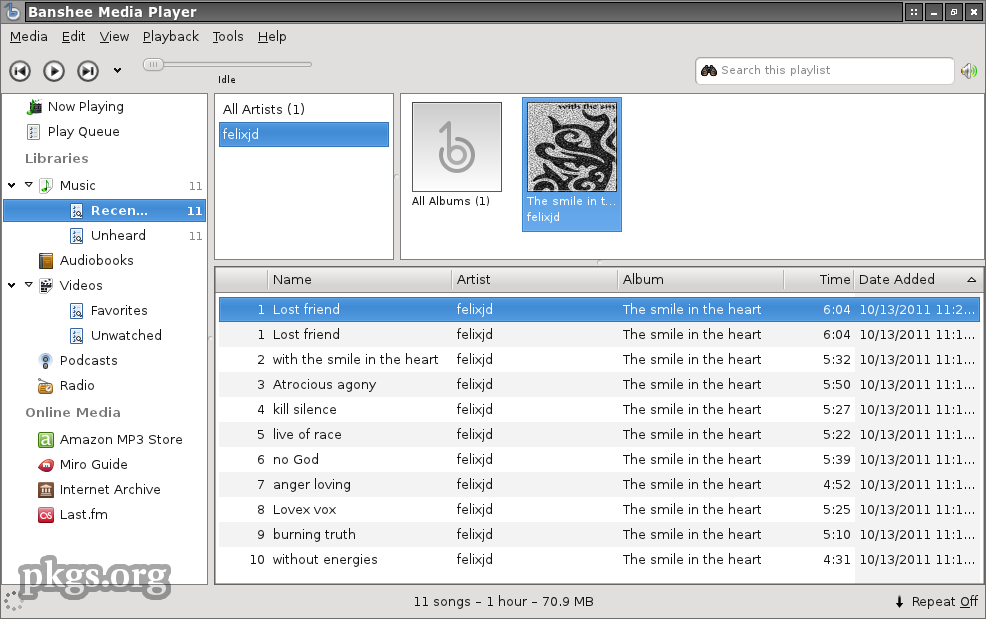
As in today's increasingly demanding customers, tools for music and multimedia are not classic audio and video players, who play them from the hard drive or CD-ROM drive. Despite the intense competition in the market of multimedia players, it is very difficult to choose one which would separate itself in a crowd, but we still think we have a winner.
Mac Photo Recovery -
When a misfortune finds you, it feels like a violation. The understanding and use of Mac photo recovery software will go a long ways to hopefully providing you comfort to recover precious, one-time photos and videos. Mac photo recovery software will be your ally when the unexpected happens. However, it is good that you clearly understand the causes of data file loss to improve your chances of recovering such files, whether they be photos, videos, music or other data files.

Computer Training Excuses -

You wouldn't go to a doctor who had never been to medical school, or hire a lawyer who never studied law. One side-effect of a world advancing as rapidly as ours is that fields are becoming more and more specialized and narrow. People can no longer get by on general knowledge in their careers, something I found out for myself not too long ago. I'd been out of high school for two years, scraping by on my own and picking up scraps of programming as I went. I saw all of the self-taught programmers breaking into the IT industry, and I hoped to do the same. After all, IT is one of the few industries out there where being creative and a quick learner is more important than a degree.
Zaggmate with Keyboard -
 No matter how good Apples iPad tablet PC is
, anyone who has ever owned it knows that it's very difficult to write long lines of text on it's keyboard.
Apple has enabled tablet to keyboard
Bluetooth connection, but the biggest problem is, except for budget, the amount of hardware is increased and practicality is decreased. Some manufacturers are trying to solve that problem by making smaller keyboards, but those solutions have been just good, not great. Until the appearance of the
ZaggMate.
Crash Proofing Your Computer -

This is a list of nine very useful tips to Crash Proof your computer. Install more RAM. Yeah, everybody says it, but its true. If you can't stop buggy programs from leaking memory, you can at least give them more memory to leak. How much RAM do you need?
Mac Backup Utility -
Better to face it. Your Mac isn't invincible, while it may be less vulnerable to viruses and spyware than PCs. It is possible for your Mac to get stolen or suffer from a hardware failure like a hard drive crash. If and when that happens, what will it be to you? Will it be a catastrophe, something that you just cannot get your head around, or will it be an expensive and annoying inconvenience but otherwise fine? It depends entirely on whether or not backup your data, and how well and how often.
What are Operating systems? -
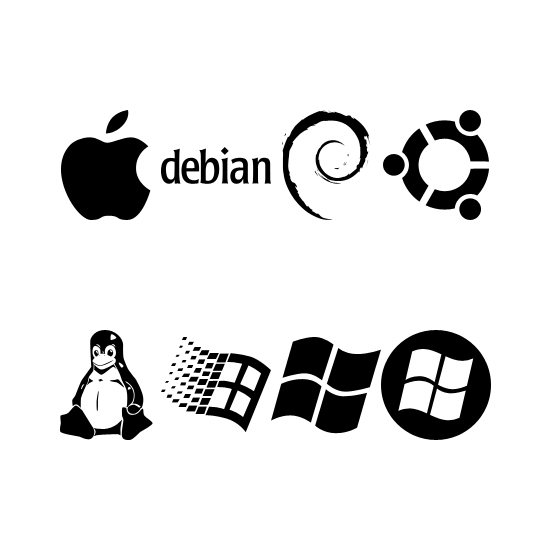
The way that computers work is that they use something called an
Operating System, basically a platform in the form of a low level software which enables programers and other people to make other, more complex programs. A common misconception is that OS (operating system) software runs only on computers, but the truth is that it runs on phones, routers and other network devices.
Discover Computer History -
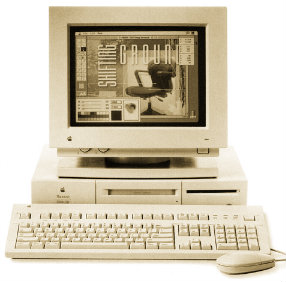
Article discusses computer history as far back as 5,000 years! Amazing story on the history of the computer. It was 1642. That year the 18-year-old son of a French tax collector, or the well known Blaise Pascal, invented what he called a numerical wheel calculator to help his father with his duties.
Apple Mountain Lion 10.8.3 -
 Apple updated their OS Mountain Lion to the version 10.8.3. The update includes a series of security corrections and a load of new badges, like the Boot Camp support for the dual-boot Windows 8 and Boot Camp support for Mac computers with a 3 TB hard drive.
Short Introduction to Operating Systems -
We at TW were browsing about the web when we stumbled upon Mark's work. Although it's much outdated, it's very fundamental. And please don't let the title fool you. This is not a small short article but a short OS introductory book. An operating system is a layer of software which takes care of technical aspects of a computer's operation. It shields the user of the machine from the low-level details of the machine's operation and provides frequently needed facilities
TW Tech Glossary - Misplaced your bible? Well here it is - Tech Glosasary! This truly took a while to complete and should be used by all from beginners to advance techies.
How To Recover Deleted Files? -
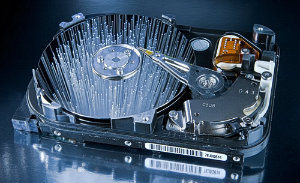
How many times have we come across TW visitor saying
"How do I recover files" or
"I deleted files from the recycling bin...how do I restore deleted files?"
Well, don't worry and be happy that you came across this little article on TechiWarehouse.Com.
You can often successfully recover deleted files from a PC, it all depends on what has happened since the files were deleted.
Linux or Mac, Which One Is More Premiere? -
Since the introduction of the power PC processor, developers have been actively striving to create a flavor of Linux that runs efficiently on Apple Hardware while retaining the Mac's trademark ease of use.
Data Recovery Software For Mac -
If your Mac is shiny and new or even shiny and used you might have a high confidence that your system will never fail. The saying goes: 'Pride goeth before the fall!' Take heed, no system, brand new or otherwise, is immune from data loss, a premature hard drive failure, or data corruption. Therefore, if you are still drawn in to this article then I am properly doing my job. I am trying to help you arm yourself to do battle against your eventual war with data loss. The good news is that there is a plethora of software out there branded as data recovery software for Mac.
2013: Next Steps for Apple -
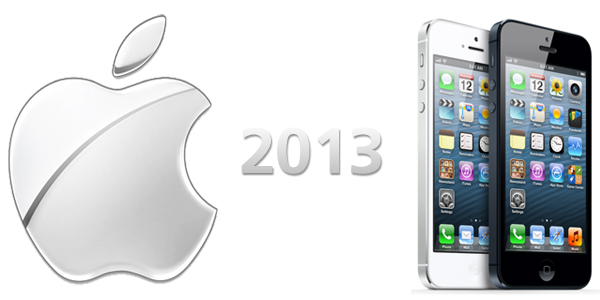
Here are our top
five predictions for the next 12 months when it comes to Apple.
In the first place, there is the
Apple TV, because there are great chances that Apple will present an Apple TV in the following year. The equally important thing is the fact
that Sirihas to get out of the Beta version. This software is turning one year now, and Apple has given it some new possibilities with iOS 6.
Most Common TCP Ports -
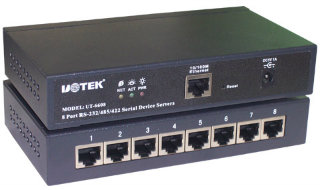
TCP ports will popup almost with any application you use wether it is ICQ or FTP. It will soon be realized how good its knowledge is once you yourself will start applying it in day to day tech use. TCP/IP uses several protocols, the two main ones being TCP and IP.
FileBot - Multimedia Manager -
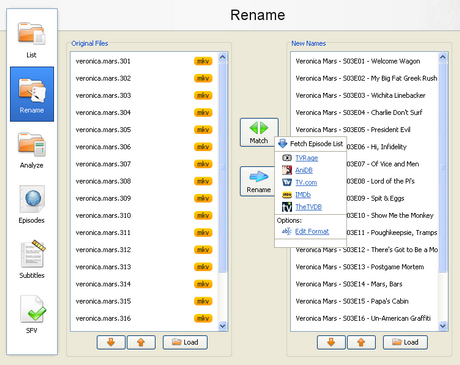
With the increase of capacity in hard drives and the increase of speed of the Internet there is the growth of available multimedia material on users computers. Sometimes it is difficult to find your way in a bunch of files and directories, where there are countless episodes of favorite shows or hours of movies that are waiting for some free time. Although modern file managers have advanced sorting options, renaming or some other searching, they still are not meant for handling a large number of files with multimedia content, that can be pretty diverse.
Types of Servers -

Ever wonder what types of things servers take part in? Ever wonder the possibilities? Well read all about it here in this weeks article. A good 10 minutes reading for all you future potential system admins. Servers are often dedicated, meaning that they perform no other tasks besides their server tasks.
What is Mac?
 Mac OS X is a super-modern operating system that combines the power and stability of UNIX with the simplicity and elegance of the Macintosh.
Built using many of the same technologies that power the Internet itself, Mac OS X gives you the power to get online faster and easier?and do more when you get there?with best-of-class Internet applications such as Mail, Microsoft Internet Explorer 5.1, QuickTime Player and iTools.
Mac OS X provide a foundation for great new applications that are ?Built for Mac OS X.? So whether at the office, at home, in the studio, or in the classroom, Mac OS X will make your computer run faster and more reliably, while bringing the simplicity and familiarity of today?s Macintosh to a whole new level.
Tips
Mail Activity
The Mail that comes with Leopard has a feature called "Mail Activity". What is displayed in this is mail that is being sent or received. It is very useful to see when a large email with attachments is finally sent. You can also see mail arriving before it is even displayed in your inbox. To see the "Mail Activity" window, just click on the arrow in the lower left corner (2nd button from the left).
Color of Highlighted Text
It is possible to customize the color of highlighted text. It is in "System Preferences", under "Appearance". The setting is "Highlight Color". The change won't just happen with highlighted text, but also when you select files and you take screenshots.
|
|
|
|
 Did You Know?
- Apple, the maker of Macintosh or 'Mac' would quite possibly have made Microsoft non-existent. Quick thinking and sleazy business practice on Bill Gates part didn't let that happen. TechiWarehouse recommended movie: "Pirates of Silicon Valley"
- In a nationwide survey of 22,000 creative firms, 77% of them planned to purchase Macintosh computers in 1999, outselling both Windows and Windows NT by an astounding margin of over 3 to 1. The research company stated, "Apple continues to dominate the creative markets."
- Apple in May of 2001 closed the single largest educational sale ever: 23,000 iBooks.
- The Apple iMac is the best-selling computer in CompUSA's 13-year history.
- Apple is the #1 computer vendor in Japan.
- Apple is the #1 computer company in Australia.
- A business Mac user gets $24,000 more work done per year, his or her computer is down 14% less, and it costs less to support than any other platform.
- A single NT server service call to Microsoft costs $195. A year of Apple support costs $70.
- When NASA's Johnson Space Center in Houston switched from Mac to Windows, help desk calls grew consistently from 68,000 calls to 142,000 in two years. Ultimately, Congress decided the switchover violated the government's "open procurement" law, but it was too late to switch back.
- Other than Word macro viruses, there are over 20,000 PC viruses, yet only 40-80 Mac ones. Also, there is no Mac virus that can destroy your hardware. Some PC viruses can zero out the flash BIOS and render the computer totally inoperable.
- Microsoft admitted on their own website that Windows NT 4.0 has more than 10,000 bugs. (The page has since been removed.) If you don't believe me, take a look at the copy on the box of Cybermedia's First Aid 98. It says "Fixes tens of thousands of Windows problems."
- Bill Gates' $50 million residence (drafted by Seattle architectural firm Bohlin Cywinski Jackson) was designed on Macintosh computers.
- On the other hand, the high-tech electronics inside Gates' mansion are Windows-based. The first evening at home, his drop-from-the-ceiling bigscreen TV would not shut off -- Gates had to throw a blanket over it to get to sleep.
- Microsoft doesn't even use (Windows) NT on their own Web site. They use Unix.
- Bill Gates did not "invent" DOS, the operating system that begat Windows. His company bought code called QDOS ("Quick and Dirty Operating System") and polished it. NOTE: Let me just say now that this fact comes from the best anti-Microsoft website in the world. You should bookmark Boycott Microsoft, and check it out -- it'll amaze and scare you, and embolden you to fight for the Mac.
- The "Shut Down" command in Windows is located in the "Start" menu. (Then again, we drag our disks to the Trash to eject, what's up with that?)

|
|
|
|
|
|